A retirement countdown you share with a link
When the date gets close, you start counting. So do your coworkers. Cardiboo's countdown shows how many days are left until retirement, the hours ticking away, and the little bonus that makes people smile: how many Mondays and weekends are still to go.
You enter the name and the retirement date, you get a link, and you share it in the team chat or the family group. Everything lives in the link: nothing is stored on our server.
Free, no sign-up. Cards and photos delete themselves after 90 days.
Create and share the countdown
- Tap the button below: the “⏳ The retirement countdown” page opens.
- Type the name of the person retiring (or your own) in “Who's retiring?”.
- Pick the “Retirement date”, then tap “Create the countdown ⏳”.
- Sharing opens on its own: WhatsApp, Text, Email or “Copy link”. The “📣 Share the countdown” button opens it again whenever you like.
- When the day comes, the page says “It's the big day!”: time to send the retirement card with “💌 Make their retirement card”.
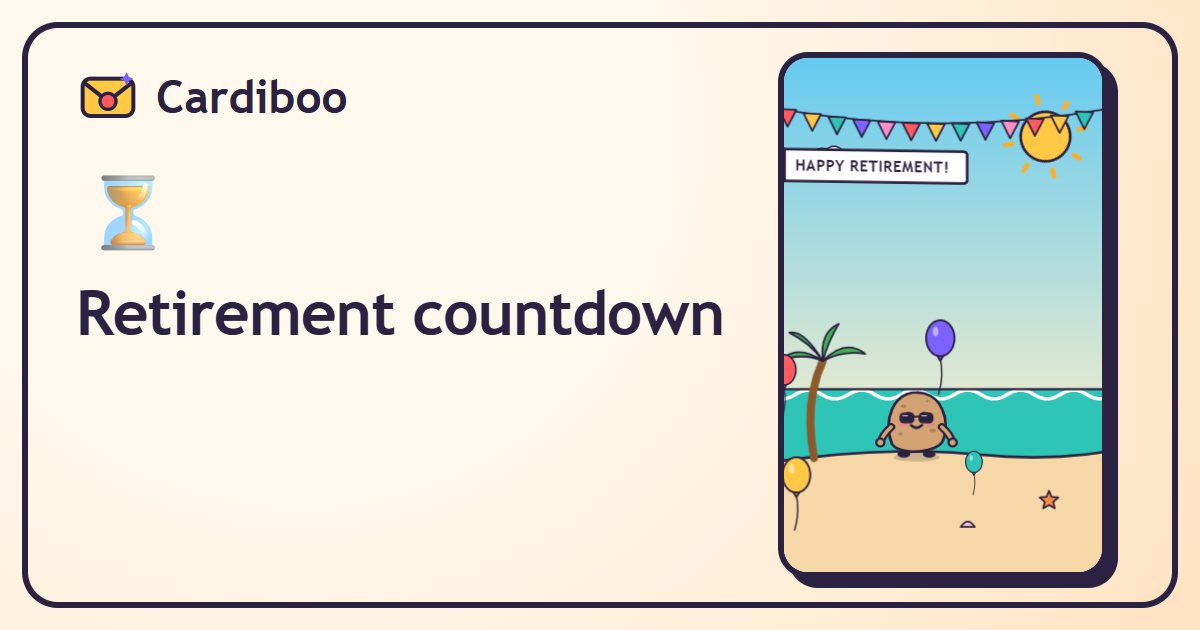
What the countdown shows
- The number of days left, in huge numbers, with the hours, minutes and seconds ticking by.
- The big day, written out in full.
- The bonus: “Just 36 more Mondays and 36 weekends to go 💪” (the numbers follow the date, of course).
- A little animated retirement scene, with the beach and the plane.
- After the date, it counts the other way: “Mike has been retired for… 12 days 🌴”.
The page speaks the language of the person who created it, and whoever receives it can switch languages with one tap (🌐).
How do I find my retirement date?
The countdown doesn't calculate any age or benefits: it simply counts down to the date you choose. Retirement rules depend on each person's situation and change over time. In the US, check your options with Social Security and your employer's retirement plan; elsewhere, ask your pension provider or your country's official agency.
Ways to use it
- Post it in the team chat at 100 days, 30 days, then during the final week.
- Send it to the family to plan a surprise for the big day.
- Put it on the screen at the start of the retirement party, right before the card everyone signed.
- Keep it for yourself, simply, to get through those last Mondays.
For what comes next: the retirement card everyone signs and our group gift ideas.
Frequently asked questions
Does the countdown calculate my retirement age?
No. It counts down to the date you choose, with no benefits calculation at all. In the US, Social Security (ssa.gov) is the official source.
Is my information saved?
No: the name and the date are only in the link. Nothing is kept on our server, and there's no account.
Can I change the date?
Yes: just create a new countdown with the right date and share the new link.
Is it free?
Yes, like every Cardiboo card: free, no sign-up, nothing to install.