Retirement speech ideas and card messages for a coworker
A coworker's retirement usually comes with two moments: the speech at the party, in front of everyone, and the card where each person writes a few words. Both can leave you staring at a blank page. Here's a simple speech outline, messages you can borrow for the card, and a way to get every coworker to sign, even the ones working from home.
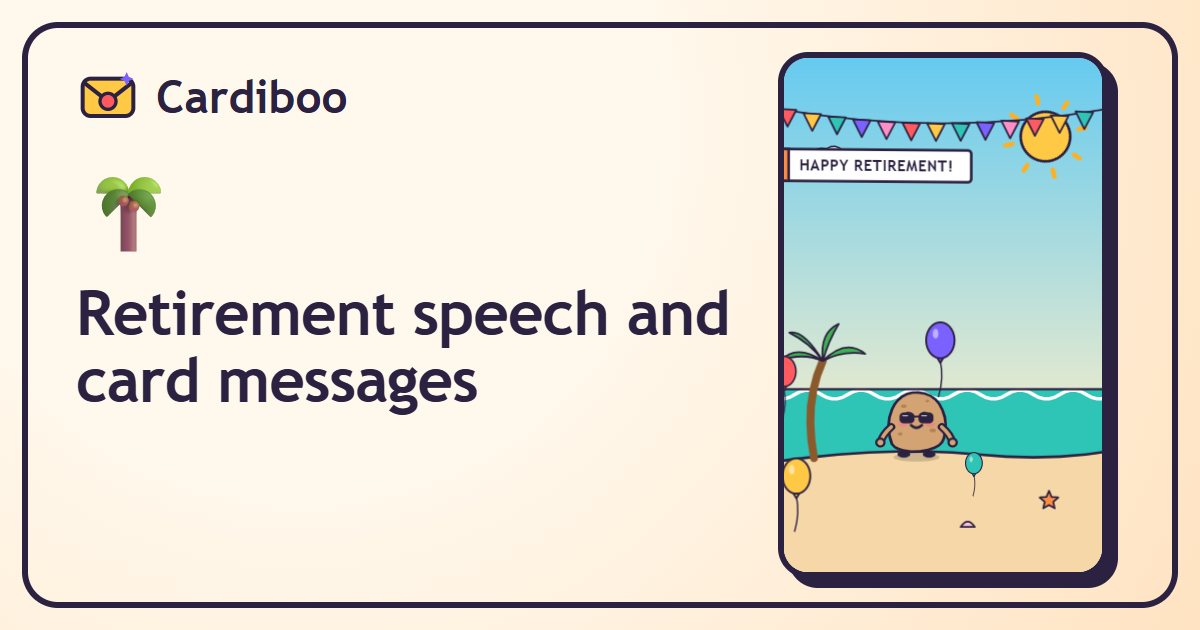
On Cardiboo, the “🌴 Retirement” occasion opens straight onto a card everyone signs: you share one link, each person adds a message and their face, and on the big day the retiree watches the whole crew burst into the animation.
Free, no sign-up. Cards and photos delete themselves after 90 days.
The retirement card everyone signs, step by step
- Open the machine on “🌴 Retirement” with the button below: it is already set to “👥 A card everyone signs”.
- Type the name of the person retiring, then yours in “From”.
- If you like, pull the lever to change the character, the animation or the scenery, and add their face in “Customize”.
- Tap “👥 Start the group card 🚀”: your organizer page opens with the signing link.
- Share that link with coworkers (team chat, Teams, Slack, email). Everyone signs with their name, a message and, if they want, their face.
- On the day of the party, tap “🚀 Send”: the retiree gets the full card, to open in front of everyone or at home.
A retirement speech in 5 parts
Three or four minutes is plenty. Any longer and even the best stories run out of steam, and the cake is waiting.
- The opener: “I was told I got picked to speak because I'm the only one who ever found the key to the conference room.”
- Their career in three moments: the day they started, a project people still talk about, a story everyone in the room knows.
- What they brought to the team: one specific quality beats a long list (“you were the person we called when nothing worked”).
- A nod to what's next: the garden, the trips, the grandkids, the motorcycle… whatever they've been talking about for months.
- The thank-you and the toast: raise a glass, then play the card the whole office signed.
Humor works best when it's about the situation (meetings, the printer, Monday mornings) rather than the person. And if public speaking isn't your thing, let the animated card do the talking: put it on the screen in the room and everyone gets to see their own face show up.
What to write in a retirement card
Funny
- “Your alarm clock gets to retire too.”
- “No more meetings, no more emails, no more Mondays. Just Saturdays, seven days a week.”
- “We're keeping your mug. For the memories. And because nobody dares to wash it.”
- “The office loses a legend, vacation gains a pro.”
Heartfelt
- “Thank you for all these years, your patience and all the laughs. We're going to miss you.”
- “You taught me everything I know here. Enjoy every single day, you've more than earned it.”
- “May your retirement feel like your best Friday afternoons, every day.”
Stuck for words? In the card, the little “message” lever suggests more, in the tone you pick: funny, sweet, quirky or poetic.
What comes next
Now for the event itself: our office retirement party ideas (formats, games, invitation) and our group retirement gift ideas. And if they're already counting the days, send them their own retirement countdown.
For a coworker who's moving on to another job, a transfer or the end of a contract, the group farewell card works exactly the same way.
Frequently asked questions
How long should a retirement speech be?
Usually three to four minutes. One good story and a real thank-you beat a long list of dates.
Can the retiree see the card before the party?
No, not until you send them the card link. The signing link is different: share it with coworkers only.
How many coworkers can sign?
Up to 150 messages per group card, each with a face if they want.
Do we need an account?
No, neither you nor your coworkers. Your organizer page is remembered on your device, and your management link opens it anywhere.
How long does the card stay available?
90 days: after that the card, the messages and the faces delete themselves.